Orion for Linux Beta v0.3: Content Blocker and Download Manager Now Available
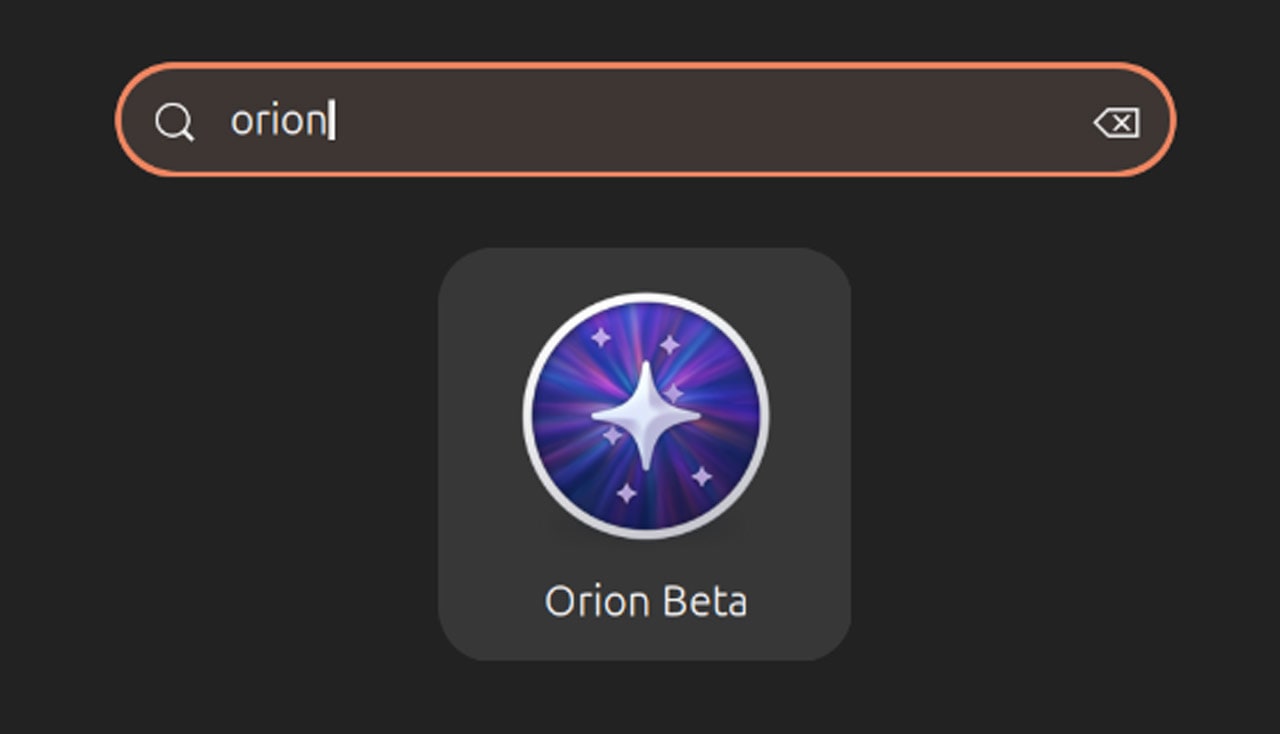
Orion for Linux, the native GTK4/libadwaita web browser powered by WebKitGTK, has reached a significant milestone with its v0.3 beta release. Developed by Kagi, this update introduces a built-in content blocker and a dedicated download manager, making the browser more suitable for everyday use. With these additions, Orion for Linux aims to close the gap with its macOS counterpart while offering a smoother, more secure browsing experience on Linux. Below, we explore the key details of this release and what it means for users.
What is Orion for Linux and who develops it?
Orion for Linux is a web browser designed specifically for the Linux platform, leveraging GTK4 and libadwaita for a native look and feel. It uses WebKitGTK as its rendering engine, ensuring strong performance and compatibility with modern web standards. The browser is developed by Kagi, a company known for its privacy-focused search engine and software offerings. Kagi initially launched Orion for macOS, gaining a reputation for its speed and minimalistic design, and has now brought that same philosophy to Linux. The Linux version aims to achieve feature parity with its macOS sibling, though some platform-specific features (like those tied to macOS system integrations) are not included. This open beta phase encourages broader testing and feedback from the community to refine the browser before a stable release.

What are the key new features in the v0.3 beta?
The v0.3 beta of Orion for Linux introduces two highly anticipated features: a content blocker and a download manager. The content blocker allows users to block ads, trackers, and other unwanted page elements directly from the browser, improving page load times and privacy. It is integrated into the browser settings and can be enabled or disabled per site. The download manager provides a central interface for managing file downloads, showing progress, pause/resume capabilities, and easy access to downloaded files. These additions significantly enhance the browser's practicality for daily use. Previously, users had to rely on external tools or workarounds for ad blocking and download management, but now these capabilities are built-in, making Orion a more self-contained solution.
How does Orion for Linux compare to the macOS version?
Kagi's overarching goal is feature parity between Orion for Linux and its macOS counterpart. While the macOS version has a longer development history and more mature features, the Linux version is catching up quickly. Both use the same WebKitGTK engine for rendering, ensuring consistent web compatibility. However, platform-specific features—such as tight integration with macOS system services, Apple Keychain support, or proprietary macOS UI elements—are not replicated on Linux. Instead, the Linux version employs native GTK4/libadwaita UI components and integrates with Linux desktop environments (e.g., GNOME). The v0.3 beta brings the Linux version closer to parity by adding essentials like content blocking and download management, which were already present on macOS. Kagi continues to work on additional features like password manager, history, and focus mode, which are already available in both versions.
What core browsing features does Orion offer?
Beyond the new additions, Orion for Linux includes a robust set of core browsing features. Tab management is elegant with vertical tabs, tab groups, and a sidebar for easy navigation. A built-in password manager securely stores login credentials and can auto-fill them on websites. History tracking allows users to revisit previously visited pages with a simple search. Focus mode is another standout feature, enabling distraction-free reading by hiding toolbars and other interface elements. Orion also supports browser extensions, though the ecosystem is limited compared to Chrome or Firefox due to its WebKitGTK base. Additionally, the browser boasts a minimal memory footprint and fast start-up times, making it ideal for users who value efficiency. These features collectively position Orion as a serious contender for Linux users seeking a lightweight, modern browser.
Why is Orion for Linux considered more capable now?
Kagi describes the evolution of Orion for Linux as moving from a basic experiment to a “much more capable browser.” Several factors contribute to this assessment. First, the v0.3 beta introduces long-requested features like content blocking and download management, which address common user needs directly. Second, the browser’s stability has improved through multiple alpha and beta iterations since early 2026. Third, the underlying WebKitGTK engine has been fine-tuned for better performance and compatibility. Finally, the feedback loop with early adopters has helped Kagi identify and fix issues, leading to a more polished experience. While still in beta, Orion now feels like a viable alternative to mainstream browsers on Linux, especially for those who prioritize privacy and simplicity. The company invites broader real-world use to continue refining the product.
What is the development history of Orion for Linux?
Orion for Linux first appeared as an alpha release in early 2026. That initial build was primarily intended for developers and early adopters to test the core rendering and basic UI. In March 2026, Kagi released the first beta version, which included essential features like tab management and password storage. The current v0.3 beta represents the second major beta update, arriving after several months of development. Each iteration has focused on expanding functionality and improving stability. Kagi’s approach has been to release early and often, gathering community input to prioritize features. The timeline suggests that a stable release may still be months away, but the rapid progress indicates strong commitment. For users interested in the latest, the beta can be downloaded from Kagi’s website or repositories.
How can users get involved or provide feedback?
Kagi encourages Linux users to try the Orion v0.3 beta and share their experiences. Feedback can be submitted through the official Kagi support forums, GitHub issue tracker, or via social media channels. The company specifically mentions that this beta is ready for “broader, real-world use and feedback,” meaning they are actively seeking input on everything from bug reports to feature requests. Testers can help shape the final stable release by reporting crashes, compatibility problems with websites, or suggestions for improvements. Since Orion for Linux is open source in spirit (though not fully? — it's based on WebKitGTK which is open), community contributions are welcome. Users are also advised to check the release notes for known issues before installing. To get started, visit the Kagi website to download the latest build and join the conversation.
Related Articles
- Kubernetes v1.36 'Haru' Delivers 70 Enhancements Across Stable, Beta, and Alpha
- Unpacking WhatsApp's Liquid Glass Redesign: What's Coming to Chat Screens?
- watchOS 27 to Introduce Streamlined Modular Watch Face for All Apple Watch Models
- Pixel Glow: Google's Upcoming Ambient Lighting System for Phones and Laptops
- Perplexity Details Mac-First 'Personal Computer' Platform After Apple's Q2 2026 Earnings Mention
- Making Accessibility Stick: A Designer's Step-by-Step Guide to Recognizing Inclusive Design Issues
- 10 Ways Solateria Redefines Difficulty in Soulslike Games
- 10 Essential Enhancements in Safari 26.4 You Need to Know